Compliance software for multi-site hospitality groups
One app across every venue. Every site scored daily with a whole-estate view for head office, templates you assign to many sites at once, and managers who see only the sites they run. £69 per site with every feature included.
Paddl is food safety, compliance and operations software for UK hospitality groups: every site scored daily, one library of standards assigned across the estate, managers who see only their sites, and an audit pack per site, at £69 per location per month with no volume tiers; groups of ten or more usually start with a group demo.
What worked at one site stops working at three
The procedures are the same on paper. The records are not.
Standards depend on who is on shift
What happens at the flagship does not happen everywhere else. Each site develops its own habits, and you find out which ones when an inspector does.
You hear about problems after they are problems
Which site missed its temperature checks this morning? Which one has a training certificate expiring next week? Without one view across the estate, the answer arrives by phone, late.
The systems built for groups are priced and designed for head office
Per-module pricing, a quote for every change, and an interface built for a desk. Months in, the kitchens still run on paper because the app was never built for them.
Rolling out a change means chasing every manager
A new procedure goes out by email and lands unevenly. Auditing whether it landed means site visits and a spreadsheet.
One platform for the whole estate
Each site keeps its own records. Head office sees all of them without visiting.
Every site scored, every day
Each location gets its own daily compliance score built from its tasks, records, documents, equipment and training. Switch to the all-locations view for the whole estate, or open one site to see exactly what is behind its number.
Assign once, run everywhere
Routine templates, HACCP plans, SFBB packs, risk assessments, documents and training modules are assigned to as many sites as you choose in one action. Each site completes its own records against the same standard. If your sites sit in separate businesses, a free organisation keeps one master library, sends changes as updates each business approves, and groups businesses into brands and areas. Billing stays per business. How organisations work
Managers see their sites and nothing else
Give a manager three sites and they see those three, on the phone and on the desktop. Owners see everything. Staff see their own site and their own tasks.
A Monday digest and alerts that name the site
Expiring certificates, overdue training, equipment service dates and risk assessment reviews raise alerts against the site they belong to, and the weekly digest rounds up every site you can see.
An audit pack for any site, on demand
When an inspector, a landlord or an insurer asks, generate the evidence pack for that site: its records, documents, training and checks, exported in one go.
Licences, insurance, lease and rates per site
Upload each site's premises licence, policy schedule, lease and rates bill and the AI pulls out the dates, limits and conditions, so renewals and reviews are tracked site by site.
Built for operations across sites
Every location, one screen
The all-locations view shows each site's score side by side. Open a site to see what is overdue, who is behind and where to spend your attention this week.
- A daily score per site
- All-locations view for head office
- Drill down to individual records

Managers check their sites from their phone
The manager view in the mobile app shows the sites a manager has been given: team compliance, the activity feed and the records to review, without a desk in sight.
- Only the sites they are assigned
- Review and sign off records remotely
- Overdue items called out per site

Set the standard once, assign it to every site
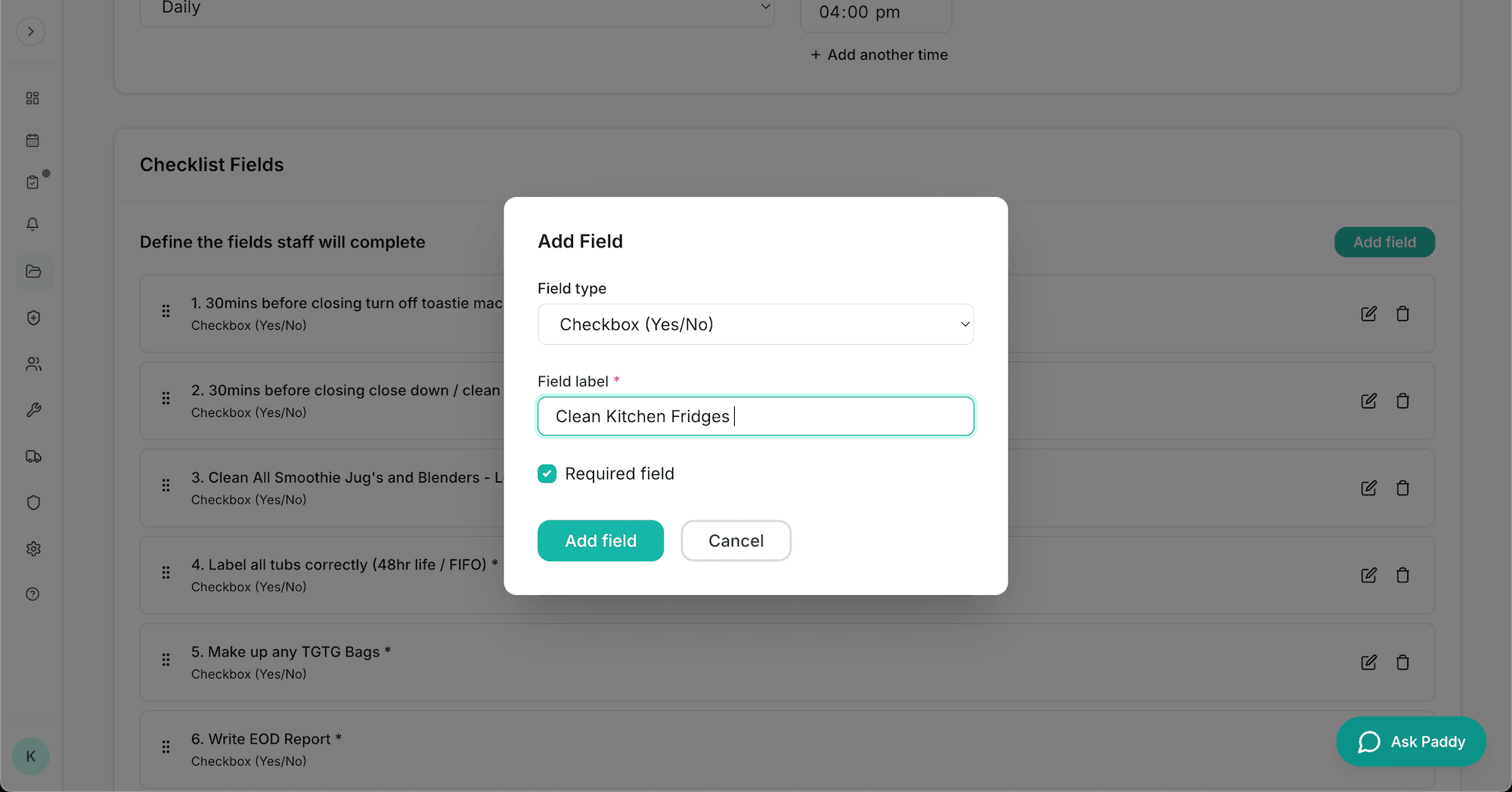
Build a routine template at head office and assign it to the sites that need it. Each site completes its own copy, so the record is theirs and the standard is yours.
- Central template library
- Assign to some sites or all of them
- Per-site records against one standard

What a group pays and gets
The same plan at every size, so the price for twelve sites is twelve times the price for one
“Great for multi brand operators with different specs for each business and location. Remote visibility of compliance for head office.”
Built differently from the platforms sold to head office
One price, every feature, every site
£69 per site per month with 5 users and 10GB each. There are no modules, no tiers and no quote. Annual billing saves 15%.
Built for UK compliance
SFBB, HACCP, allergens and Natasha's Law, COSHH, fire safety and licensing, written for UK regulation rather than translated to it.
Built for the kitchen, not the boardroom
The people completing the checks use the app on a phone during service. Tasks take seconds and work offline.
Live in days
Add your sites, invite the team, assign your templates. Groups of three or more sites are offered a setup call as soon as they sign up.
How groups go live
The rollout in the order it happens, usually inside two weeks.
- 1
Create the account with your site count
Every site gets its own location, settings and records from day one. Groups of three or more sites are offered a setup call on the success screen.
- 2
Invite managers and choose their sites
Owners see everything. Each manager sees only the sites they are given, on the desktop and in the mobile manager view.
- 3
Assign the library to the sites that need it
Routines, HACCP plans, SFBB packs, risk assessments, documents and training modules assigned to some sites or all of them in one action, then completed per site.
- 4
Every site starts scoring
A daily compliance score per site built from its own checks, records, documents, equipment and training, lined up in the all-locations view.
- 5
The Monday digest and the audit pack
The weekly digest lists what is overdue and expiring at each site. When an inspector, insurer or landlord asks, generate that site's evidence pack.
Download the free multi-site rollout plan to run this for your estate.
Common questions from groups
How does Paddl show compliance across several sites?
Every location gets a daily compliance score built from its own tasks, records, documents, equipment and training. The all-locations view puts those scores side by side, and you can open any site to see the records behind its number. Managers only see the sites they have been given.
Can head office set the standard and have every site follow it?
Yes. Routine templates, HACCP plans, SFBB packs, risk assessments, documents and training modules are assigned to the sites you choose in one action. Each site then completes its own records against that standard, so the evidence is site-specific and the procedure is consistent.
How does pricing work for a group?
It is the same for every size of business: £69 per site per month, with 5 users and 10GB of storage included per site and every feature switched on. There is no volume discount and no quote; annual billing saves 15%. Larger groups can ask about paying by invoice.
Can a manager who looks after several sites see them together?
Yes. A manager can be assigned any number of sites and sees them together on the desktop dashboard and in the manager view of the mobile app: team compliance, the activity feed and the records to review. They do not see sites they have not been given. Where the sites are separate businesses linked in an organisation, an area manager sees readiness for the sites in their areas and can be given manager access to those businesses: at once where the admin owns them, with the owner's approval where not.
What happens when a site misses something?
The item shows as overdue on that site's dashboard and in the all-locations view, an alert is raised against the site, and it appears in the weekly digest for everyone who can see that site. There is no automatic escalation chain; the people responsible for the site see it and act on it.
How are roles and each site's data handled?
Inside a business there are three roles: owner, manager and staff. Owners see every site. Managers see the sites they have been given. Staff see their own site and their own tasks. Records, documents, equipment, training and the compliance score belong to a site, and every action is logged with who did it and when. An organisation of separate businesses adds admin, library editor, brand manager and area manager roles on top, and sees scores and update status, never a business's staff, records or documents.
How long does it take to bring a new site on?
Add the location, assign the templates it needs and invite its team. The site starts scoring the same day. Its own licence, insurance and lease documents can be uploaded and read by the AI as they come in.
- How Restore, a multi-site operator, opened a new site and passed its first inspection with 5 stars
- Pub group or pubco? Licences, the DPS and the tenanted versus managed question
- Restaurant group? One allergen library for every kitchen and opening site N from the template library
- Free tool: every site's food hygiene rating on one screen
- Free templates for head office: the area manager site visit audit, the group compliance review and the rollout plan
- Comparing platforms? Read the multi-site compliance software buyer's guide
- Running ten sites or more? See how groups of that size go live
- Running a single venue? See Paddl for independent operators
Run every site to the same standard
Start a trial with your site count already set, or book a 30-minute group demo and see it with your numbers.
30-day free trial · Every feature included · Cancel anytime